My Tools
MANAGE CATEGORIES |
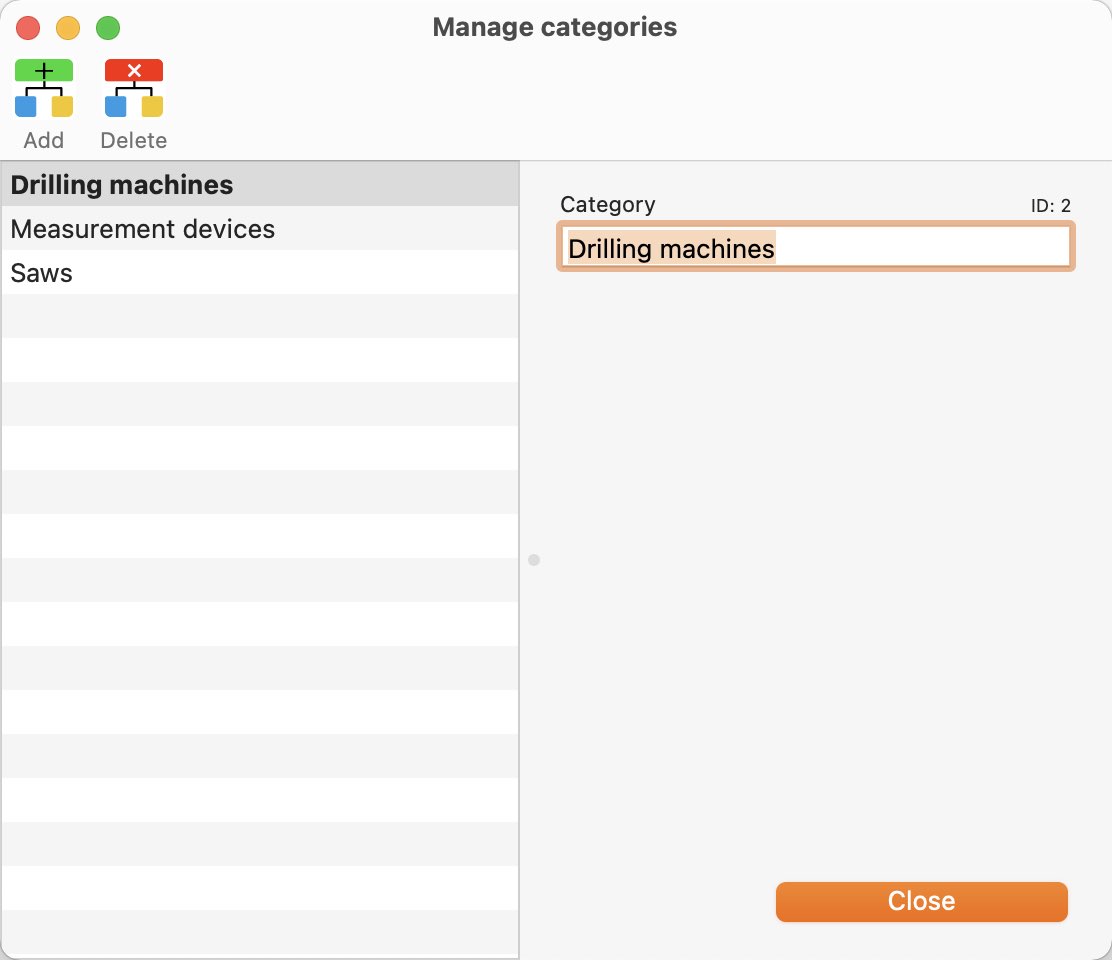
Click the "Categories" icon in the toolbar menu to access the category management.
Alternatively you can do this via the menu "Tools => Manage categories".
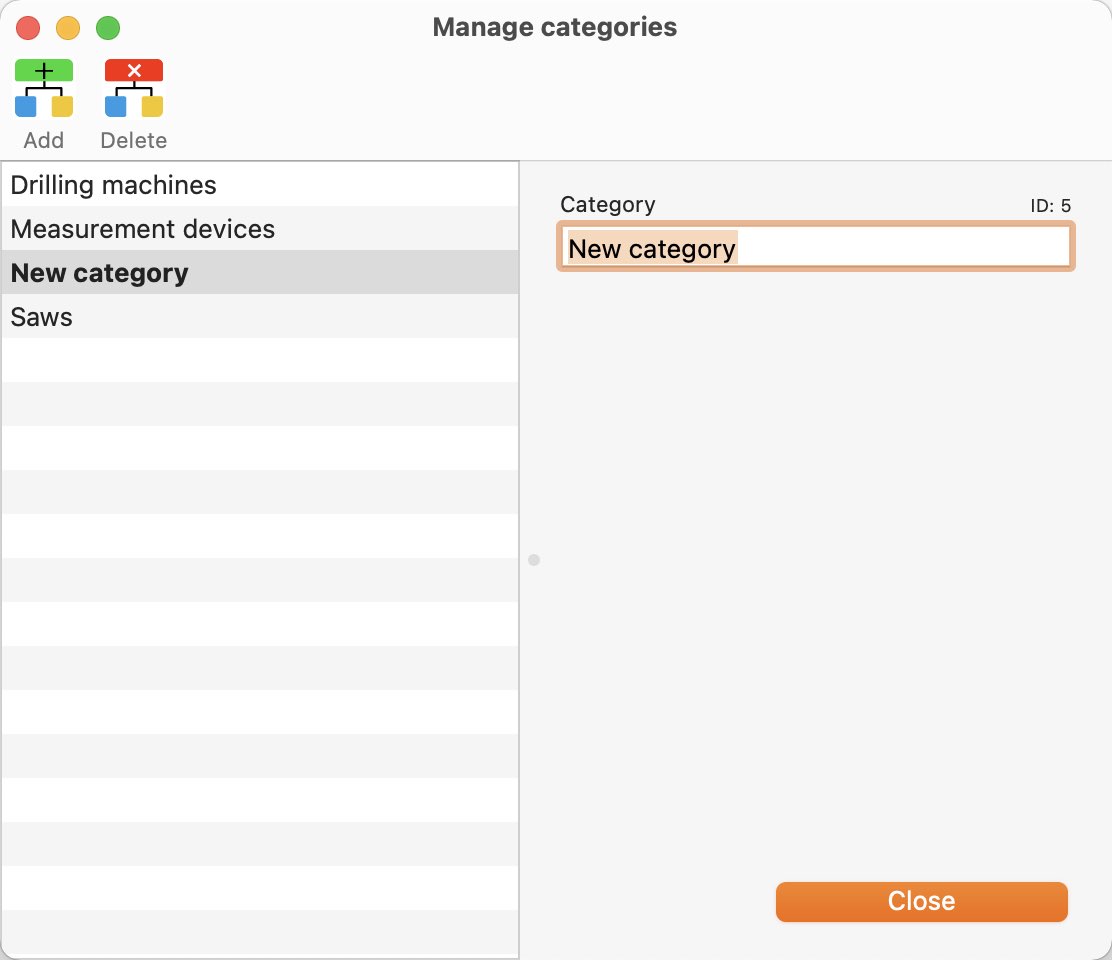
Add category To add a category, click "Add" in the toolbar menu.
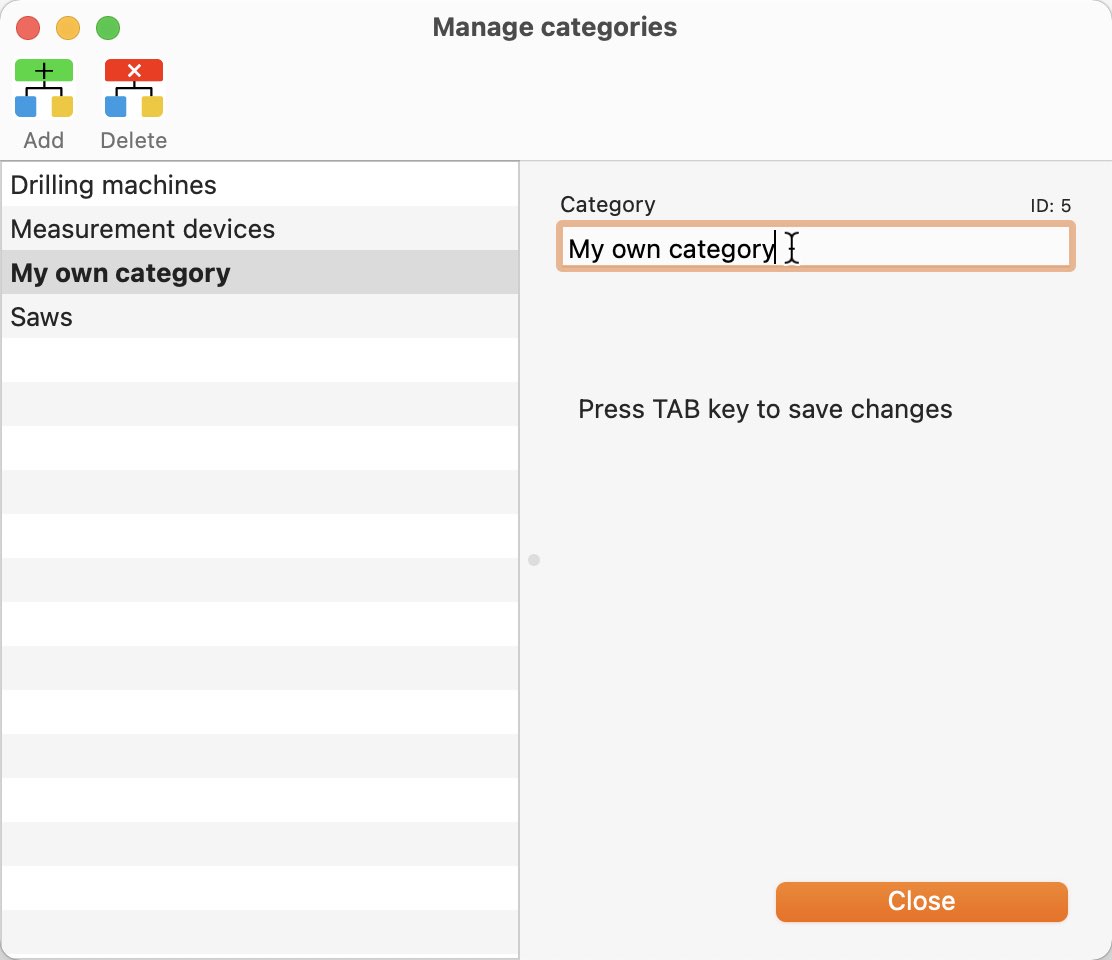
The new category will be added and the name will be changed directly.
Edit category A category can be edited by clicking on it.
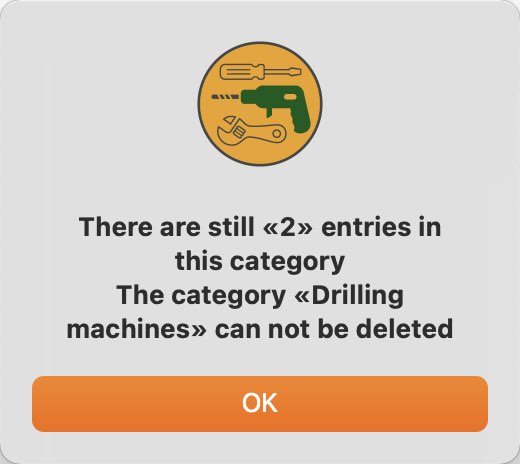
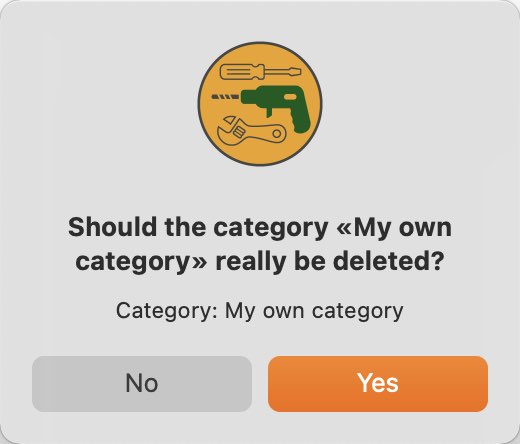
Delete category To delete a category, select a category and click the "Delete" icon in the toolbar menu.
Categories that are still in use cannot be deleted.
|