Quick Start Guide
MANAGE STATES |
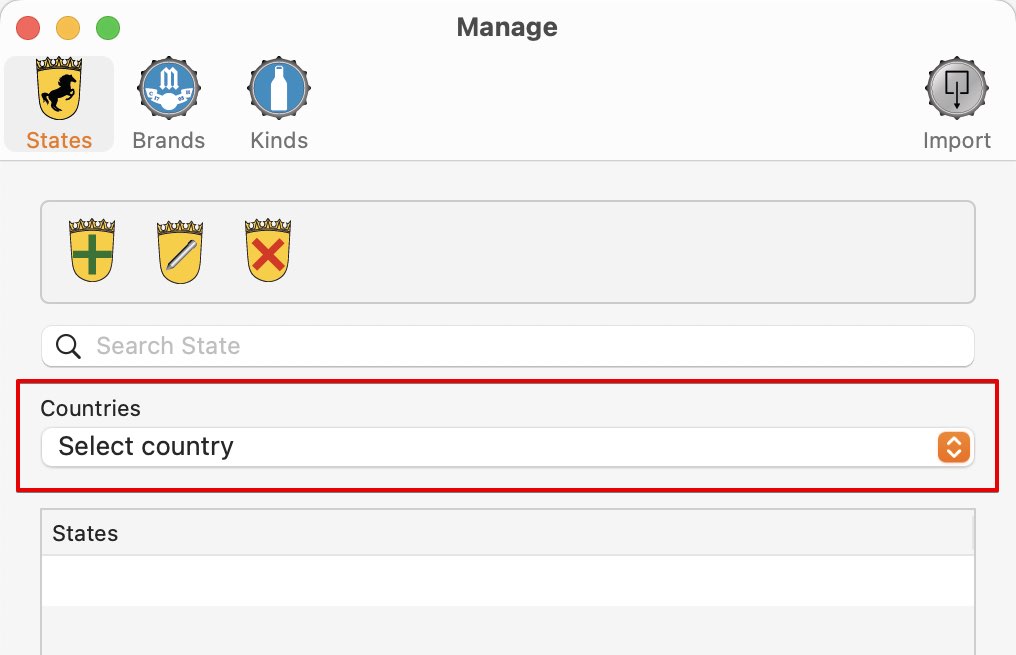
Add state To add a state to a country, click on "Manage" in the toolbar menu.
After you have selected a country, the list of states are automatically shown.
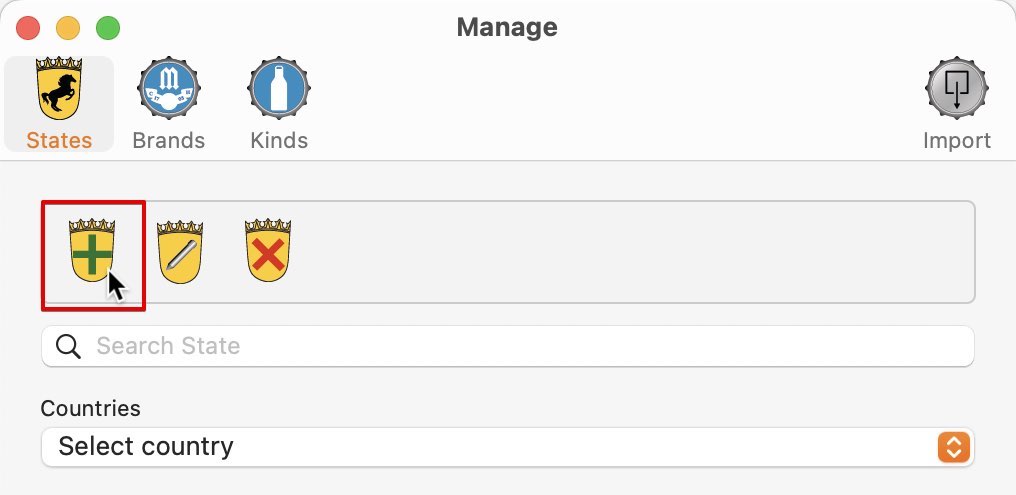
To add a new state, click on "Add State".
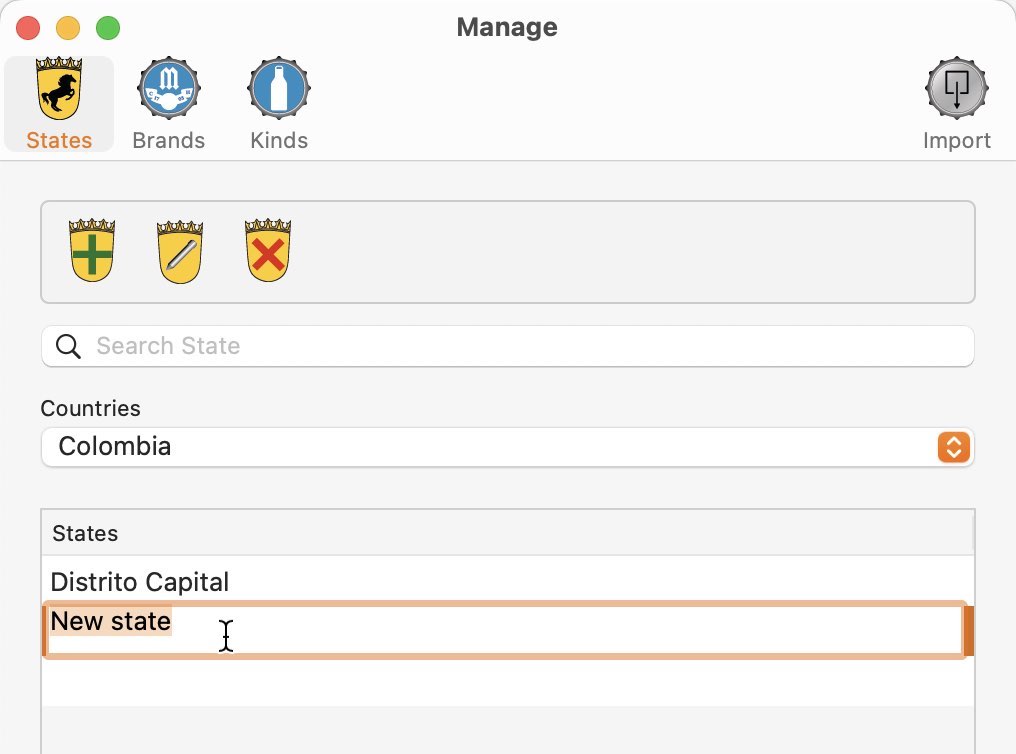
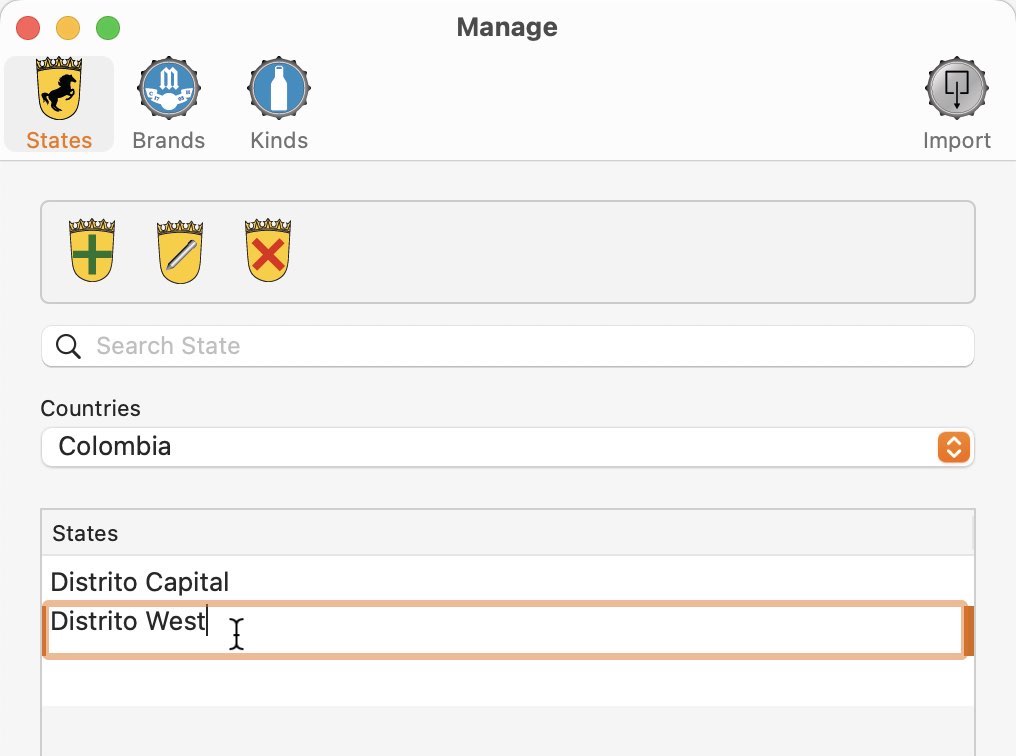
Enter a name for the new state.
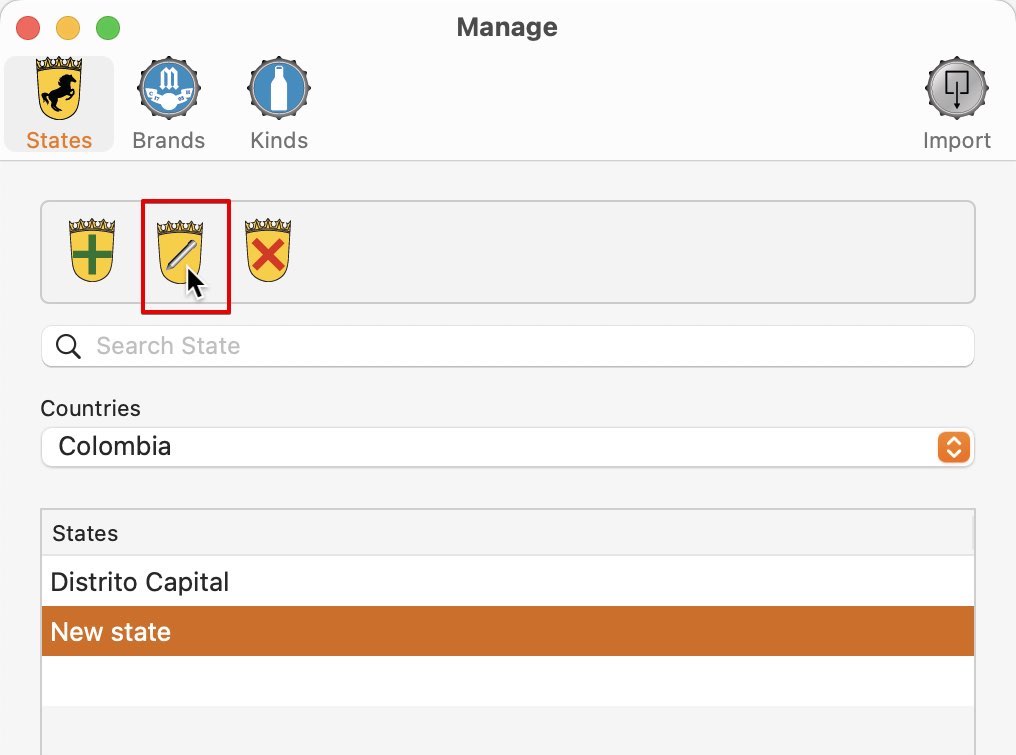
Edit state Select a country, a state and click on "Edit State".
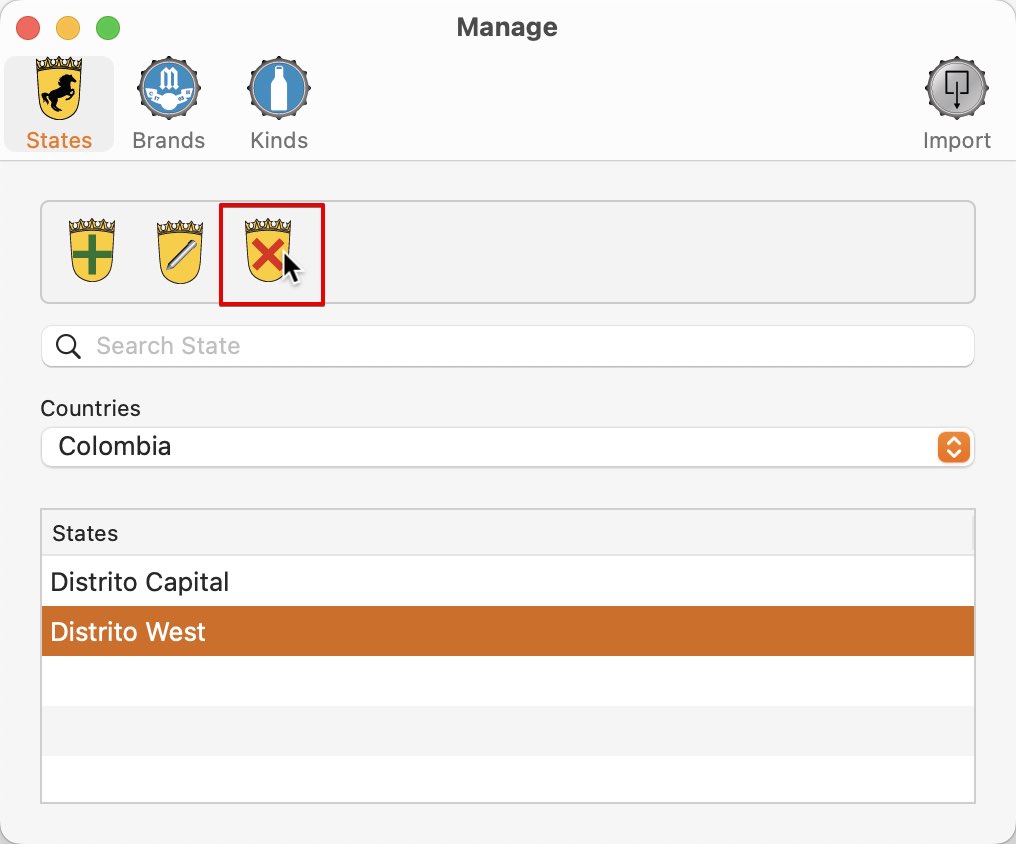
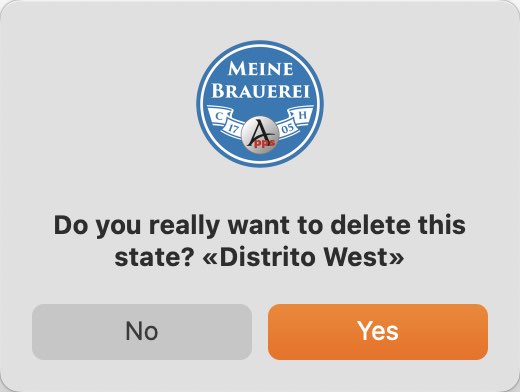
Delete state Select a country, a state and click on "Delete State".
PLEASE NOTE! This action can not be undone. |