CW13
OPERATION OF CW13 |
||||||||||||||||||||||||||||
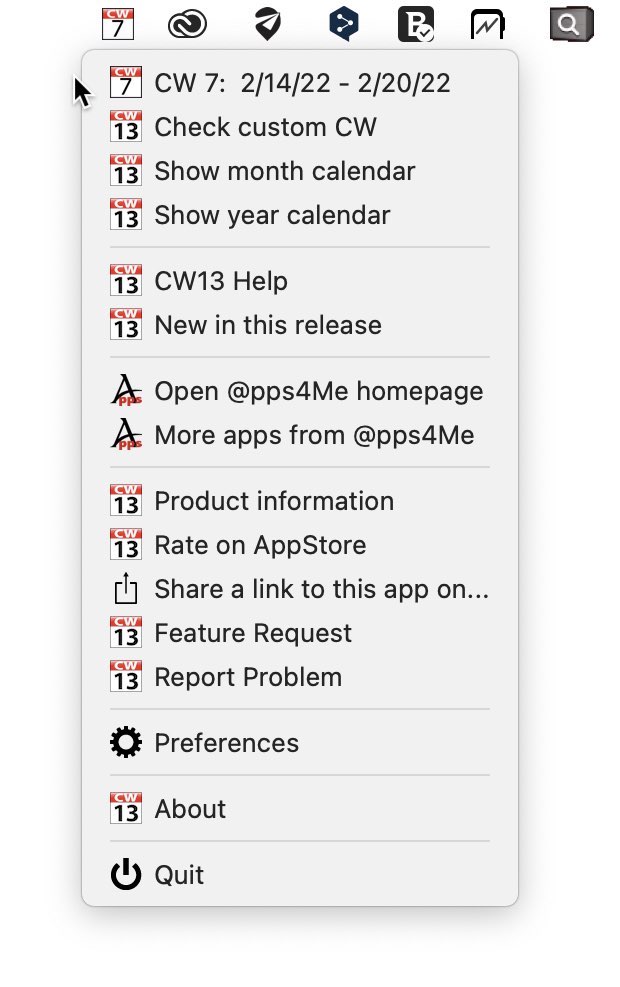
With the context menu (click with the right mouse button) you can reach the features from the menu. The icon in the status line shows always the current week. Thus, the display will change from week to week (eg, CW17, CW18, CW19, etc.). The first line shows the week information. Here no command is stored. This entry is used only for information. The other lines call the following functions:
|