Açana License Manager
EXPORT ALL DATA AS EXCEL® XLSX FILE |
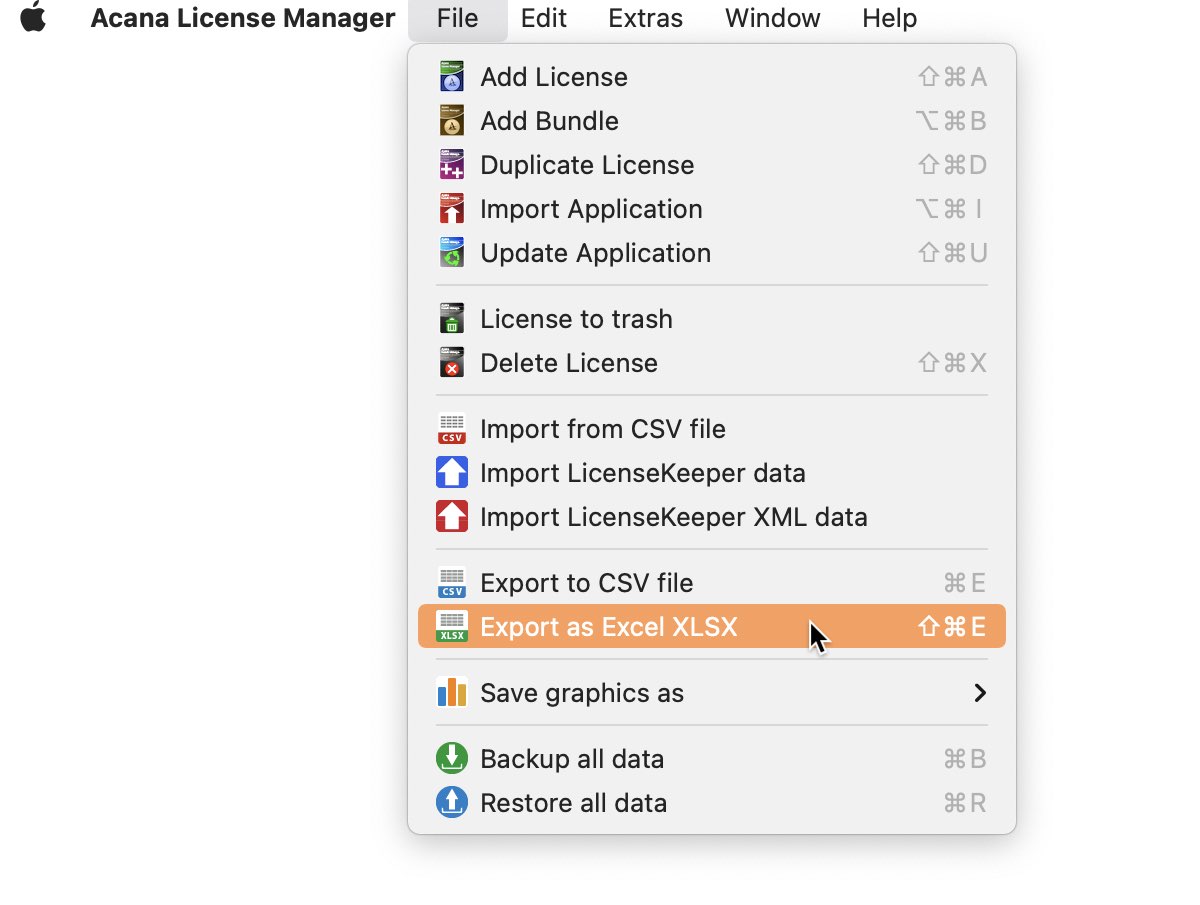
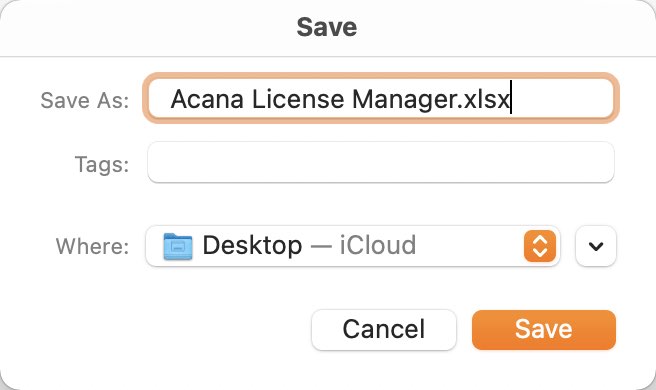
You can export the license data as an Excel® XLSX file. This allows you to further process the data in other applications (Excel, LibreOffice®, OpenOffice® etc.). To do this, select "Menu => File => Export as Excel XLSX".
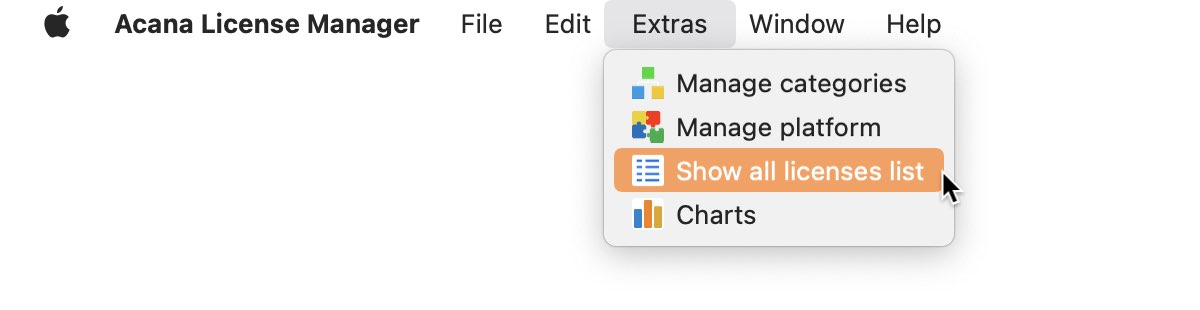
There are more choices to export data as an Excel® XLSX in the license list. Select menu "Extras => Show all licenses list"
Or click the "Show List" icon in the toolbar menu.
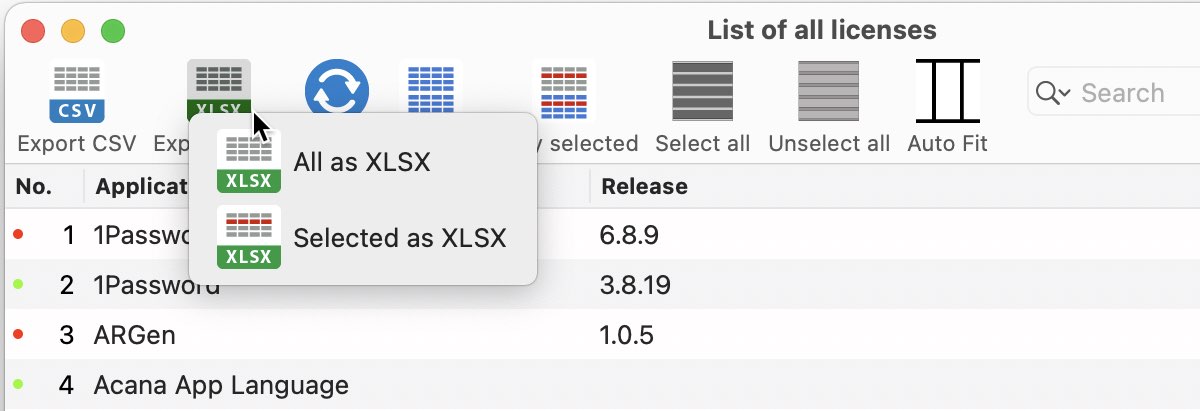
There, either all visible entries or only the selected ones can be exported as XLSX file.
|