Acana License Manager
MANAGE PLATFORM |
To manage you platform, click on the icon "Platform" in the toolbar menu.
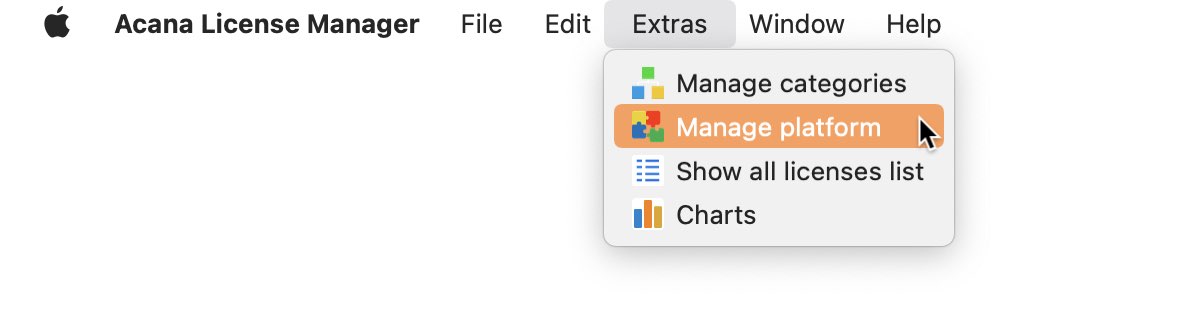
Or choose "Menu => Extras => Manage platform".
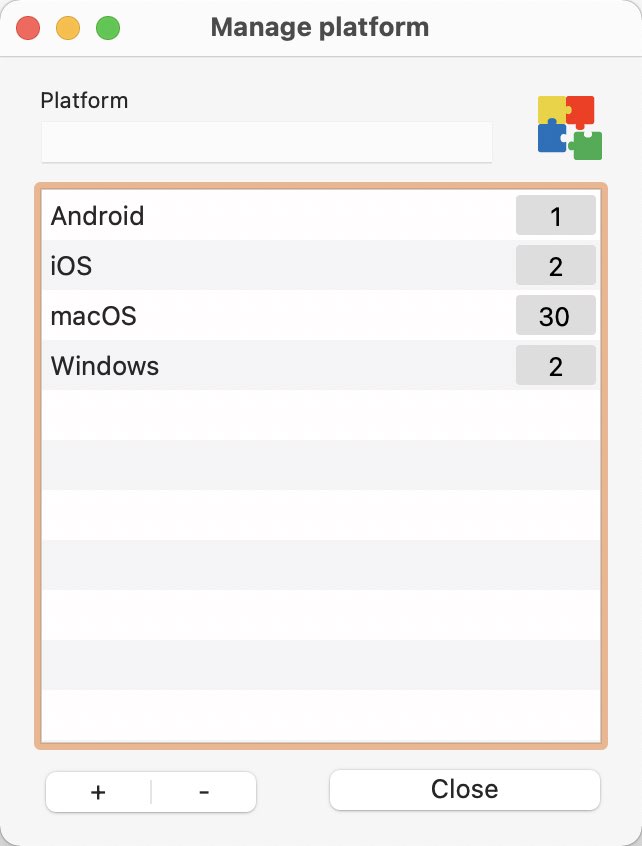
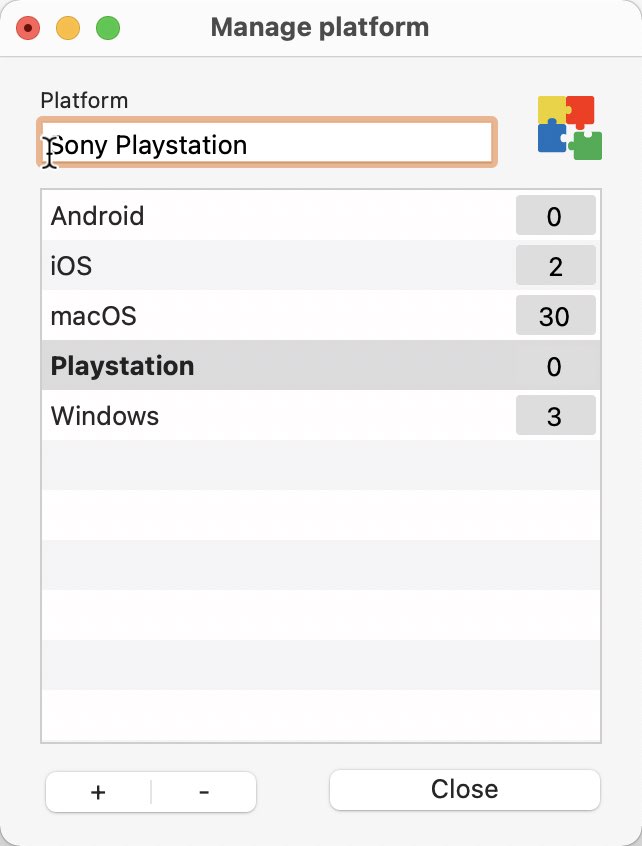
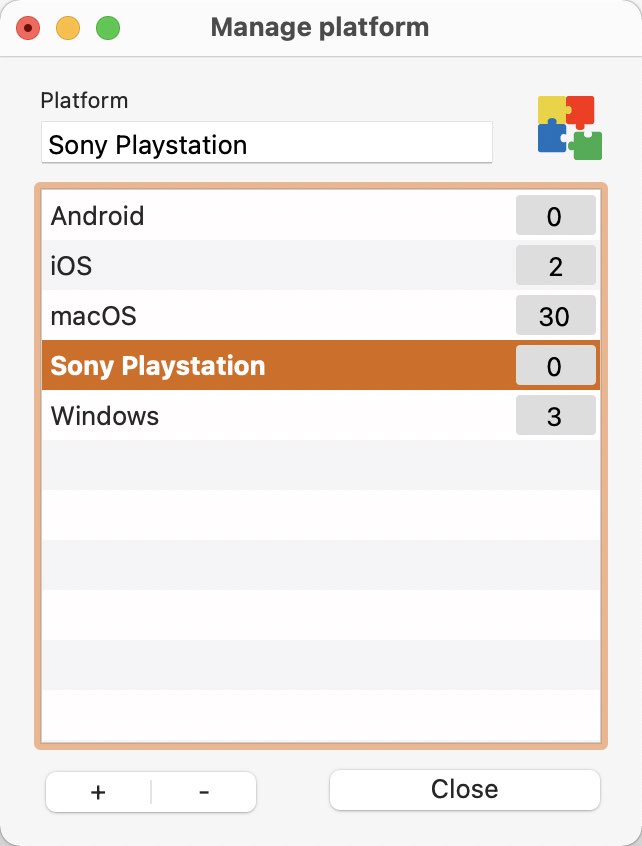
This opens a new window to manage the platform.
To add a new platform, click on the "+" button.
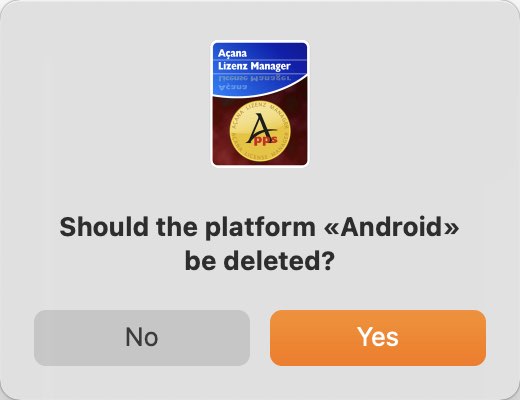
To delete a platform, select one from the list and click on the "-" button.
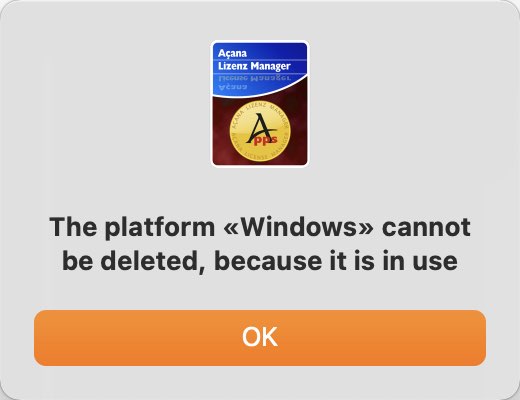
You can't delete a platform that has related items.
To rename a platform, select a platform, change the name and press ENTER / RETURN key.
|