Açana License Manager
DELETE LICENSE |
To delete an application/license, select one from the list and click on "Delete" icon in the toolbar menu.
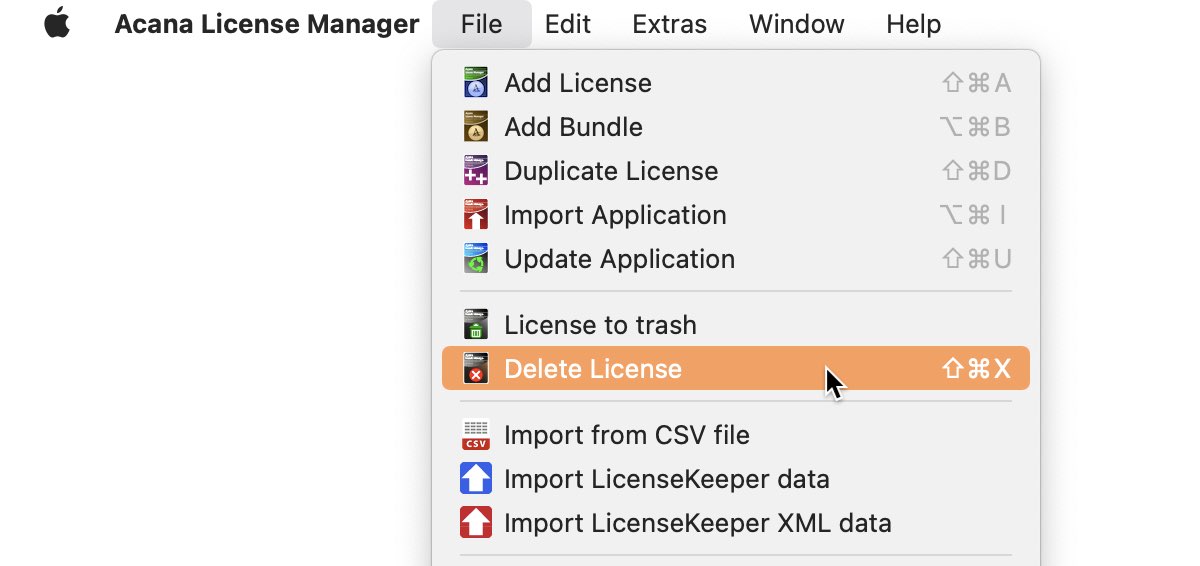
Or use "Menu => File => Delete Application".
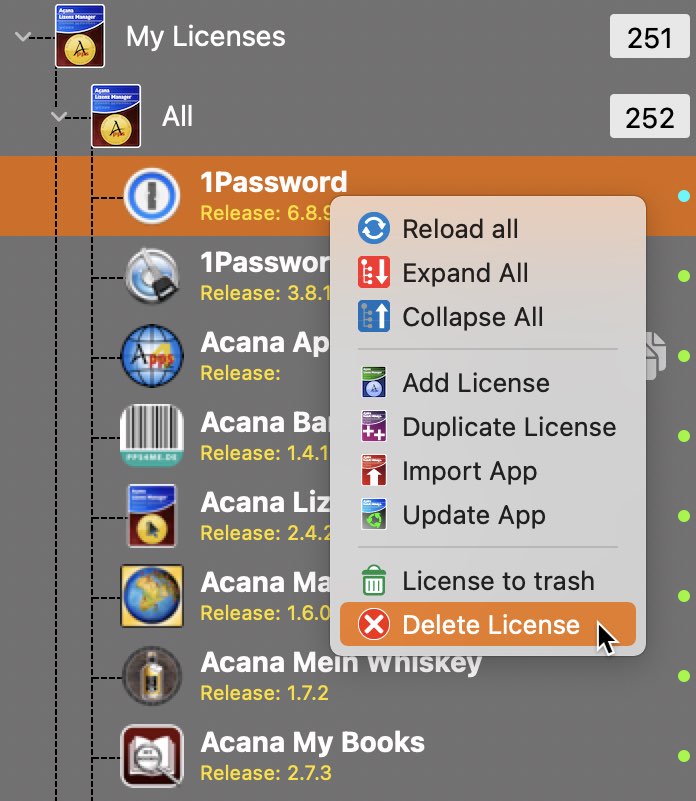
Or use the context menu to delete an application.
If your Mac has a touch bar, you can touch the delete button.
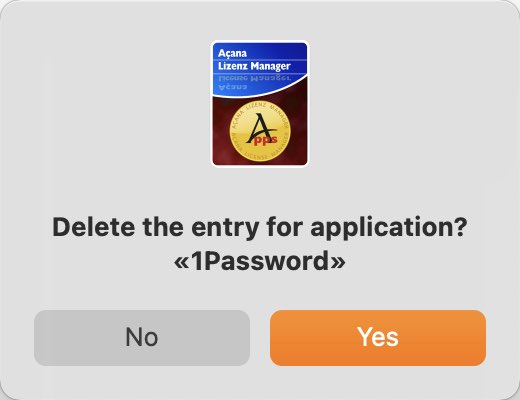
Attention! This action can not be undone |