Açana License Manager
IMPORT APPLICATION |
To import a new application, click on "Import" icon in the toolbar menu.
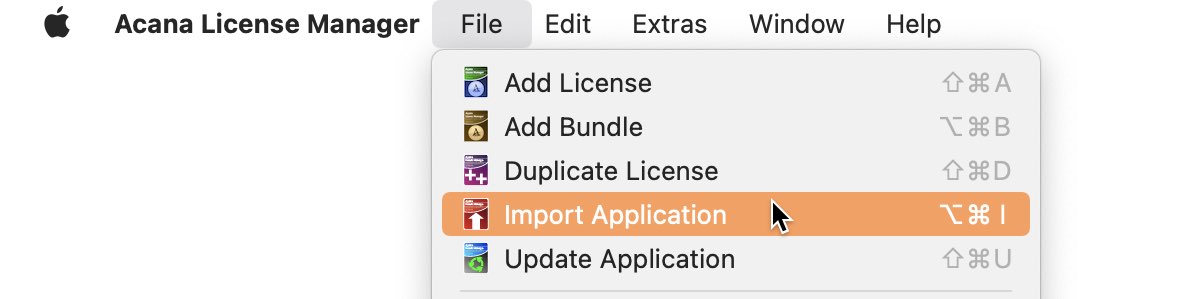
Or select "Menu => File => Import Application".
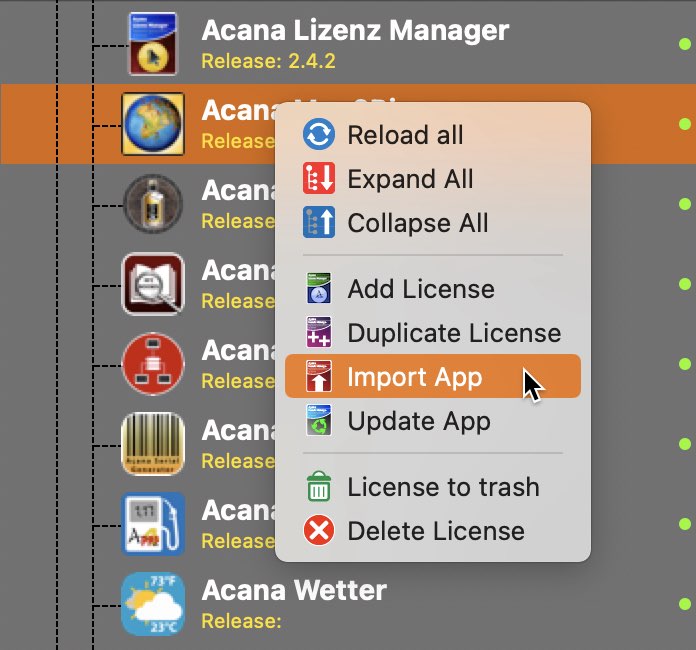
Or select "Import App" from the context menu.
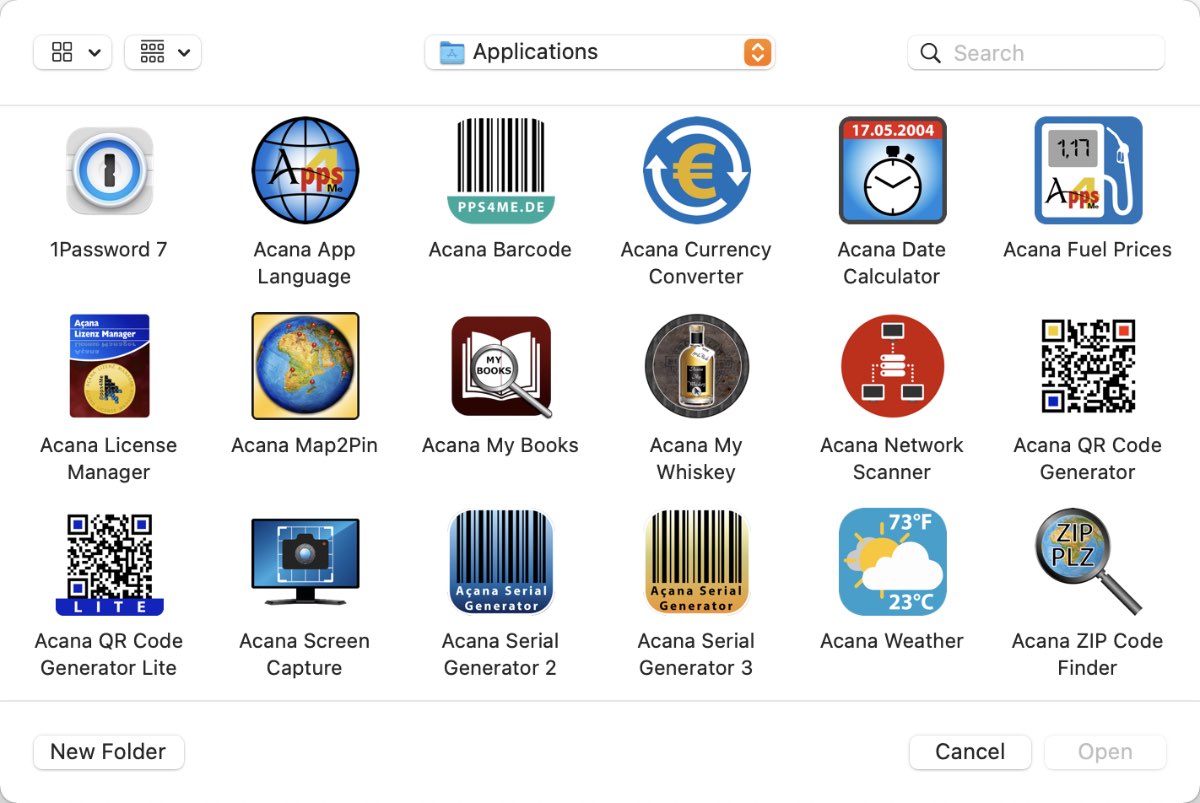
Select an application from the following window.
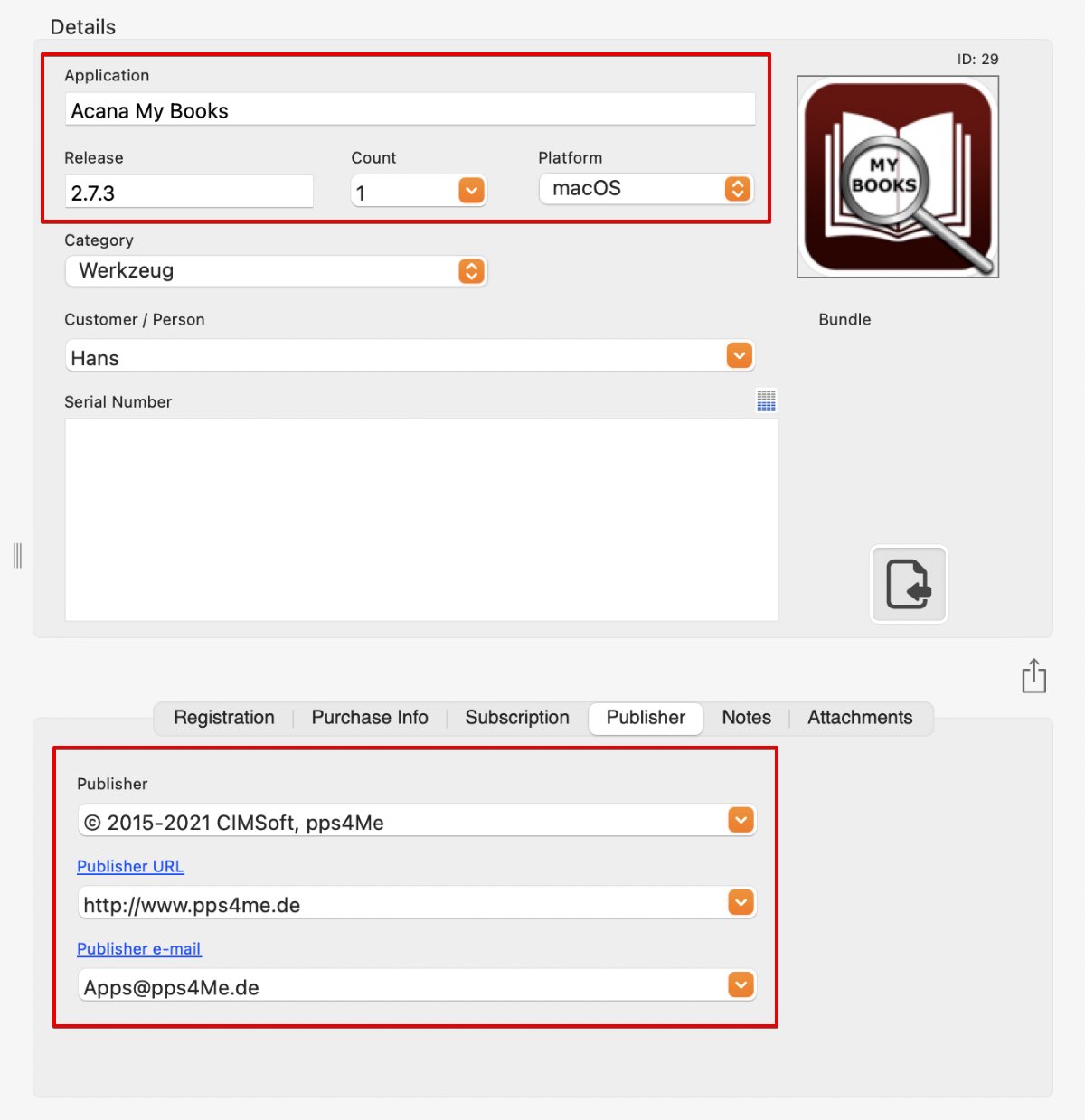
These field are automatically filled out:
* If they are available in the application description (PLIST) file
Fill out the other fields with your data. |